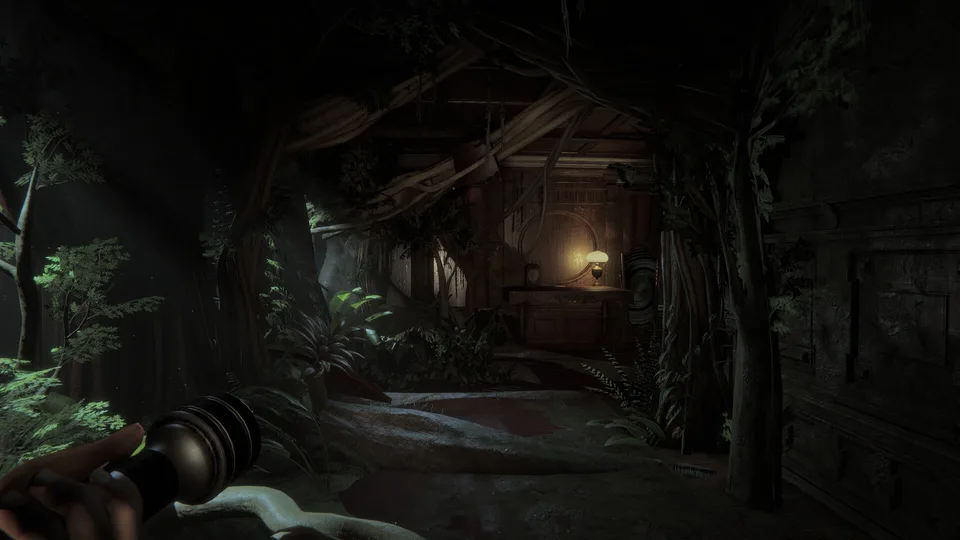
Troubleshooting Dice Control Issues
In the co-op psychological horror game Invokyr, the dice are not just randomizers—they are the core of the experience. If you are struggling with dice not rolling, it often comes down to the specific interaction physics required by the game.
To roll the dice effectively, you must left-click to pick up the item and then use your mouse movement to generate the throw force. Players often find that the sensitivity or the direction of the mouse flick significantly impacts whether the die lands on the board or bounces off into the environment.
Handling Stuck Dice and Physical Clipping
A common issue reported by the community is dice becoming stuck under the game table or within environment assets. When this happens, the die often becomes inaccessible, effectively ending its use for that specific event.
- Avoid Tight Spaces: Try to throw the dice toward the center of the board rather than near the edges or corners where they might clip through geometry.
- Environmental Awareness: Be mindful of nearby furniture. If a die falls into a crevice or under a shelf, the current game physics may not allow for retrieval.
- Community Report: According to player feedback on Steam, some users have encountered instances where the dice simply refuse to register a roll or get trapped beneath the game table. If this occurs, you may need to proceed without that specific die or attempt to use another if available.
Understanding Dice Mechanics and Curses
It is important to remember that in Invokyr, the dice are tied to the sinister Gamemaster’s rules. Not every "failure" to roll is a bug; sometimes the game environment or a specific curse may be actively hindering your progress.
- Inverted Controls: Some dice effects can invert your movement controls, making it difficult to aim your throws or navigate the haunted house. If your character feels sluggish or moves in the opposite direction, check your active status effects.
- Dice Variety: Different dice serve different purposes, such as healing, resurrection, or teleportation. If you find a die that doesn't seem to "work," verify its specific function by checking the item description or the in-game UI.
- The Gamemaster’s Influence: The house shifts and rules change as you play. If the board seems unresponsive, it might be part of the game's psychological horror progression. Always look for cues in the environment or the board itself to see if the game state has transitioned.
Tips for a Successful Session
To minimize technical frustration during your co-op sessions, follow these best practices:
- Coordinate with Teammates: Since this is a 1–4 player co-op game, have one player focus on guarding the area while another handles the dice. This prevents enemies from interrupting your rolls.
- Manage Your Inventory: You have limited slots. If a die is not essential to your immediate survival or the current objective, prioritize holding items that offer health or resurrection capabilities.
- Listen for Audio Cues: The game provides auditory warnings, such as a gong sound, which often signals that the board or enemies have become active. Use these cues to decide when it is safe to interact with the game board.
If you continue to experience persistent issues where the game mechanics feel broken rather than challenging, ensure your game files are verified via the Steam client to rule out local installation corruption.