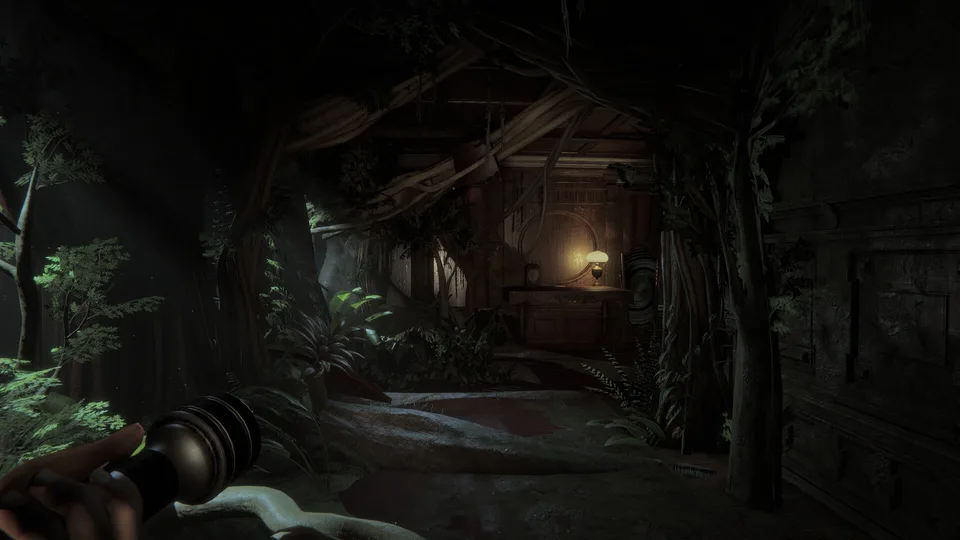
Why Your Microphone Seems Broken in Invokyr
Many players report an "Invokyr mic not working" error, particularly when attempting to trigger the final room ending. It is important to distinguish between a hardware failure and a configuration oversight. Often, the microphone is perfectly functional, but the game has not been granted permission to process voice input, or a specific progression condition—such as the board game's location—has not been met.
According to community reports, the ending sequence requires a precise set of actions. If you speak the game's name without completing these steps, the interaction will not register. This is not necessarily a bug but rather a design requirement that mandates the presence of specific items and active voice settings within the game's environment.
Troubleshooting the Final Room Ending
If you find yourself stuck in the final area, use this checklist to ensure you have met all requirements before assuming the game is faulty.
- Reach the final area: Confirm you are physically inside the intended end room of the Invokyr demo.
- Locate the board game: The board game is a mandatory object for the ending. If it is not with you, backtrack to find it.
- Bring the board game inside: Simply reaching the room is insufficient. You must carry the board game into the room and ensure it remains there during your attempt.
- Enable voice input: Navigate to the in-game settings and verify that voice input is enabled. If this toggle is off, the game will ignore all spoken commands regardless of your hardware status.
- Speak clearly: Once the conditions above are met, say "Invokyr" at a normal volume. Avoid shouting, as clear enunciation is key to the trigger.
Hardware vs. Software: Common Misconceptions
A common mistake is assuming that because a microphone works in Discord or a system recorder, it must work in-game. However, the game requires a specific link to your input device.
If you are experiencing issues, check these three areas:
- OS Permissions: Ensure your operating system (Windows or macOS) allows the game to access your microphone. Without these privacy permissions, the game cannot "hear" you even if the settings are correct.
- Input Device Selection: Open the in-game audio menu and confirm that the correct microphone is selected in the input device dropdown. Sometimes the game may default to a webcam mic or a disabled virtual device.
- Push-to-Talk Bindings: If you are using "Push to Talk" mode, ensure the bound key is not conflicting with other game controls. Community reports suggest that voice transmission can sometimes be inconsistent after a character respawns or when moving between game states. If this happens, try leaving and rejoining the lobby to re-initialize your voice settings.
FAQ
Why does saying "Invokyr" not trigger the ending?
The phrase is only one part of the sequence. If the board game is not inside the final room or your in-game voice input is disabled, the trigger will not fire. Verify these two conditions before repeating the phrase.
Does my microphone need to be set to a specific mode?
While "Open Mic" is often easier for testing, "Push to Talk" is recommended for co-op play to reduce background noise. If you use "Push to Talk," ensure your keybind is comfortable and does not conflict with movement keys.
Is the dead-state voice bug a known issue?
Some players have reported that voice chat stops working while their character is dead. While there is no official confirmation, this may be an intentional design choice to prevent dead players from relaying information. Always test your mic while alive to confirm it is functioning correctly.